


Karnataka UG/PG Results 2026 LIVE: UUCMS Portal Update
Admission & Info Tools
Need Expert Assistance?
Our counselors can help you with fee structures, eligibility guidelines, and upcoming admission cutoffs instantly.
Direct Application Tools
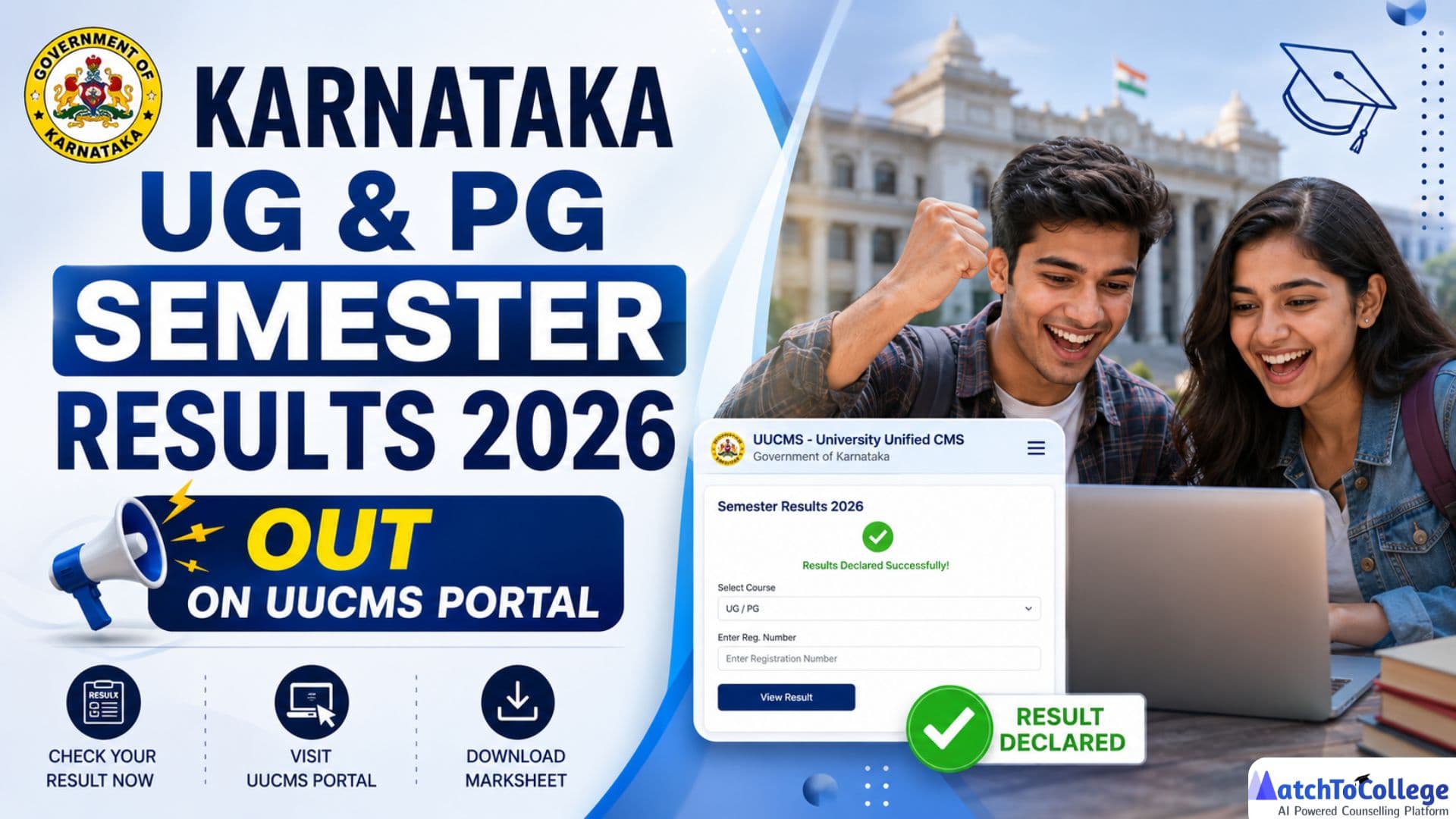
Karnataka UG & PG results 2026
Karnataka UUCMS Results 2026: The Karnataka Unified University & College Management System (UUCMS) has announced the UG and PG Semester Results 2026 on its official portal. Students enrolled in undergraduate and postgraduate programmes across participating Karnataka universities can now check their semester results and download their digital marks cards by logging in to the UUCMS portal.
Candidates need to visit the official UUCMS website at
https://uucms.karnataka.gov.in and log in using their Student ID/Candidate ID and password to access their results. The online marks card contains important details such as subject-wise marks, total marks, grades/SGPA, and the qualifying status.
Direct Link to Check Karnataka UUCMS Result 2026
- UUCMS Student Portal: https://uucms.karnataka.gov.in
How to Check Karnataka UUCMS Semester Results 2026
- Visit the official UUCMS portal.
- Click on the Student Login option.
- Enter your Student ID/Candidate ID, password and captcha.
- Log in to your dashboard.
- Click on the Examination or View Result section.
- View your semester result and download the digital marks card for future reference.
Details Mentioned on the UUCMS Digital Marks Card
Students should verify the following information on their marks card:
- Student's Name
- Register Number
- Course and Semester
- University/College Name
- Subject-wise Marks
- Total Marks Obtained
- Grade/SGPA
- Result Status (Pass/Fail)
Students are advised to use only the official UUCMS portal to check their results. Universities upload semester results in phases, so candidates whose results are not yet visible should check the portal again after some time.
How to Check Your Karnataka UG/PG Semester Results 2026 on UUCMS Portal
Accessing your results on the UUCMS Portal is a straightforward process designed for convenience. Follow these step-by-step instructions to view your Karnataka UG & PG academic performance:
| Step | Process | Details |
| 1. Visit Official UUCMS Portal | Open the UUCMS website | Use the official and secure UUCMS portal link provided by your university or official sources. |
| 2. Go to Results Section | Find the result page | Look for sections like "Results," "Examination Results," or "Student Login." |
| 3. Enter Login Details | Provide your credentials | Enter your UUCMS ID/Registration Number and required details like Date of Birth or Password. |
| 4. Select Course & Semester | Choose your academic details | Select your UG/PG program and the semester for which you want to check results. |
| 5. Submit and View Results | Access your marksheet | Click on "Submit," "Get Results," or a similar button to view your semester marksheet. |
| 6. Download & Print | Save your result copy | Download the result PDF/soft copy and take a printout for future admissions or official requirements. |
If you encounter any issues accessing the portal or your results, refer to your university's official notifications or contact their examination department immediately for assistance. Keep your UUCMS ID handy for quicker resolution.
Understanding Your UUCMS Results & Next Steps
Once you've accessed your Karnataka UG/PG results, it's important to understand what they signify and what your options are. Your mark sheet will typically display subject-wise marks, total marks, and your overall grade or percentage. Here's what to consider next:
| Step | Action | Details |
| 1. Analyze Your Performance | Review subject-wise marks | Identify your strengths and areas where improvement is needed for future exams. |
| 2. Apply for Revaluation/Re-totalling (If Required) | Request marks verification | If you find any marking discrepancy, apply for revaluation or re-totalling within the given deadline through the UUCMS portal or university examination branch. |
| 3. Check Supplementary Exam Details | Improve failed subjects | Students who did not clear certain papers can appear for supplementary/repeat exams as per university guidelines. |
| 4. Keep Provisional Result Copy Safe | Use for future requirements | The downloaded marksheet acts as a provisional document until the official degree certificate is issued. |
These results are a critical indicator for your academic and career trajectory. Whether you're progressing to the next semester or planning your post-graduation future, making the right choices now is key.
Beyond Results: Charting Your Future with MatchToCollege
Your Karnataka UG & PG Semester Results 2026 are just one piece of your academic puzzle. The real challenge, and opportunity, lies in leveraging these results to shape your future. This is where MatchToCollege steps in as your ultimate higher education guide.
Our cutting-edge AI-powered counseling platform offers personalized insights tailored to your academic profile and aspirations. Whether you've excelled and are looking for top-tier MBA, Engineering, or Medical programs, or you need guidance on improving your academic standing and exploring alternative pathways, MatchToCollege has you covered. We help you:
- Explore Top Colleges: Discover institutions that align with your scores, interests, and career goals, both nationally and internationally.
- Scholarship Opportunities: Uncover scholarships and financial aid options to support your further education.
- Career Mapping: Understand how your current results impact your long-term career prospects and identify suitable higher education programs.
- Study Abroad Guidance: If global education is your dream, our platform provides comprehensive support for admissions to universities worldwide.
Don't let the anxiety of results define your future. Instead, use this moment as an impetus to plan strategically. With MatchToCollege, turn your UUCMS results into a launchpad for unparalleled academic and professional success. Visit MatchToCollege today to explore your personalized higher education options and unlock your full potential!
Share this Article
FAQFrequently Asked Questions
Q: When were the Karnataka UG & PG Semester Results 2026 declared?
The Karnataka UG & PG Semester Results for the 2026 academic year have been officially declared and released on the UUCMS Portal. Students are advised to check the portal for specific date notifications by their respective universities.
Q: How can I check my Karnataka University results on the UUCMS Portal?
You can check your results by visiting the official UUCMS Portal, locating the 'Results' section, entering your unique UUCMS ID or Registration Number and other required credentials (like Date of Birth), selecting your course and semester, and then clicking 'Submit' to view your marks.
Q: What should I do if I cannot access my results on UUCMS?
If you face issues accessing your results, first ensure your internet connection is stable and your credentials (UUCMS ID/Registration Number, password) are entered correctly. If the problem persists, contact your university's examination department or the UUCMS helpdesk immediately for assistance.
Q: Can I apply for revaluation or re-totalling if I am not satisfied with my results?
Yes, most universities affiliated with the UUCMS system provide options for revaluation or re-totalling of answer scripts. Keep an eye on the official notifications from your university regarding the application dates, procedures, and fees for these processes, typically available on the UUCMS portal or the university's website.
Get More Info About Karnataka UG/PG Results 2026 LIVE
Recommended Reading
DCRUST BTech & LEET Round 4 Physical Counseling 2026-27 Guide
Comprehensive guide to DCRUST BTech and LEET Round 4 Physical Counseling 2026-27. Check registration dates, Samarth portal details, and seat vacancy updates.

DU UG Merit Admissions 2026-27: 9 New Colleges Added
Delhi University announces merit-based UG admissions for 2026-27 in 9 additional colleges. Check dates, eligibility, and the application process at admission.uod.ac.in.

UPRTOU Admission 2026: Last Date Extended to August 30
UPRTOU July 2026 admission last date extended to August 30. Learn how to apply at uprtou.ac.in and use AI tools to find your perfect distance learning course.