

Cybersecurity for Students: Your Essential Starter Guide
Admission & Info Tools
Need Expert Assistance?
Our counselors can help you with fee structures, eligibility guidelines, and upcoming admission cutoffs instantly.
Direct Application Tools
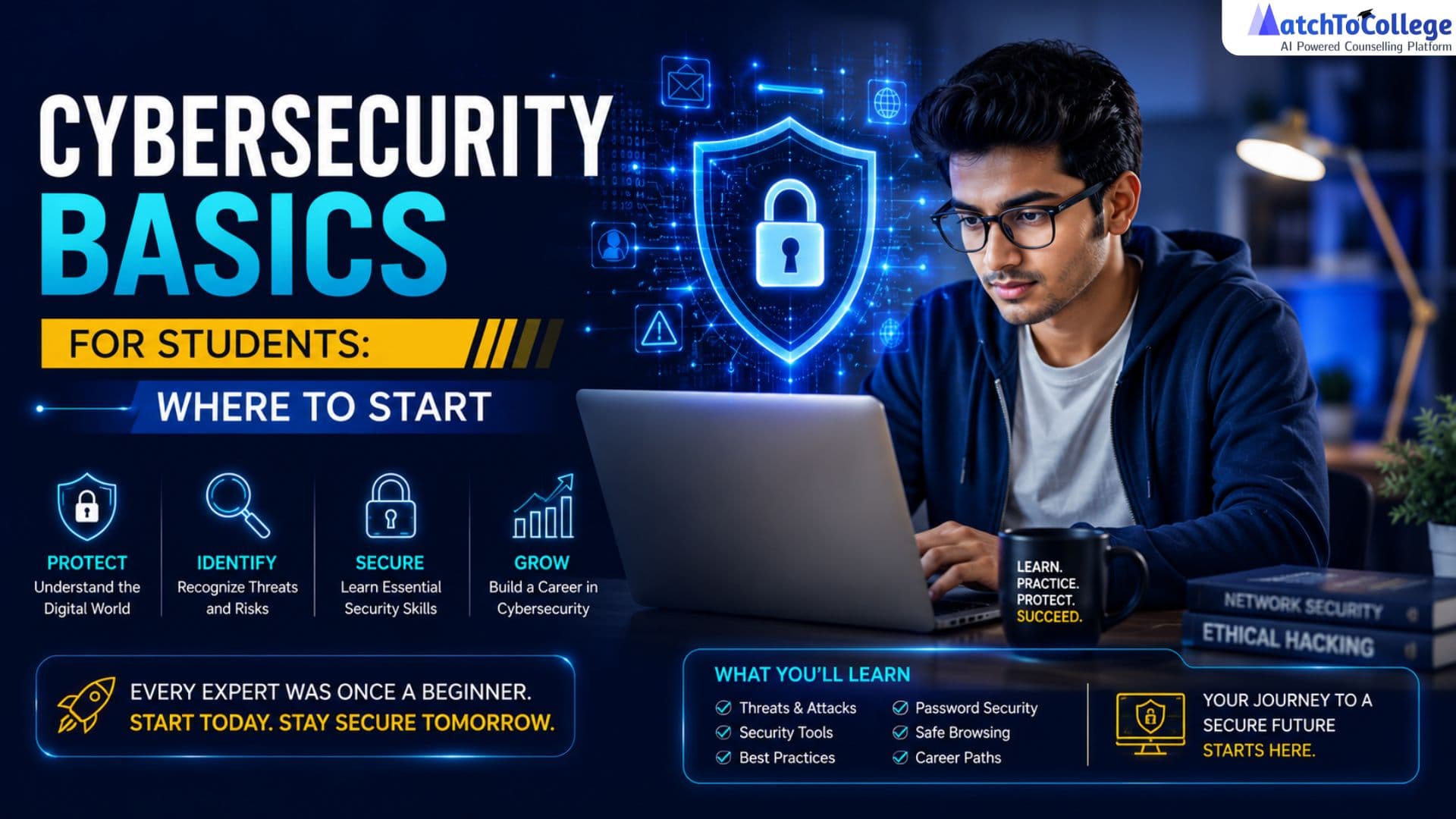
Cybersecurity Starts With Smart Learning
In today's digital learning environment, students rely on online platforms for education, communication, research, and financial transactions. While these tools offer convenience and opportunities, they also expose students to cyber threats such as phishing, identity theft, data breaches, and online scams.
Understanding basic cybersecurity practices is essential for protecting your personal information, academic records, and digital identity. A strong cybersecurity foundation helps you stay safe online, avoid financial and reputational risks, and focus on your educational goals without unnecessary disruptions.
At MatchToCollege, we believe student success extends beyond academics. Developing good cybersecurity habits is a critical life skill that prepares you for college, the workplace, and an increasingly digital future.
| Cybersecurity Practice | Why It Matters |
| Use Strong Passwords | Protects accounts from unauthorized access |
| Enable Multi-Factor Authentication (MFA) | Adds an extra layer of security |
| Recognize Phishing Scams | Prevents theft of personal and financial information |
| Keep Software Updated | Reduces vulnerabilities and security risks |
| Use Secure Wi-Fi Networks | Protects sensitive data from cybercriminals |
| Protect Personal Information | Helps prevent identity theft and fraud |
| Back Up Important Files | Safeguards academic work and personal data |
Cybersecurity is not just a technical concern—it's an essential skill for every student. By following basic security practices and staying aware of online threats, you can build a safe digital presence and protect your academic and personal information throughout your educational journey.
Fortify Your Digital Front Door: Passwords & MFA
One of the most important cybersecurity habits for students is securing their online accounts with strong passwords and Multi-Factor Authentication (MFA). Your passwords protect access to sensitive information such as emails, academic records, university portals, and financial accounts. Weak passwords make it easier for cybercriminals to gain unauthorized access to your data.
A strong password should be at least 12 characters long and include a combination of uppercase letters, lowercase letters, numbers, and special symbols. Avoid using personal information such as birthdays, names, phone numbers, or common words that can be easily guessed.
| Password Best Practices | Benefit |
| Use at least 12 characters | Increases password strength |
| Combine letters, numbers, and symbols | Makes passwords harder to crack |
| Use a unique password for each account | Prevents multiple accounts from being compromised |
| Avoid personal information | Reduces the risk of guessable passwords |
| Use a password manager | Helps securely store and manage passwords |
Enable Multi-Factor Authentication (MFA)
Even strong passwords can be compromised. MFA adds an extra layer of security by requiring a second verification step, such as a one-time code, authentication app approval, fingerprint, or facial recognition.
| MFA Benefit | Why It Matters |
| Extra Security Layer | Protects accounts even if passwords are stolen |
| Reduced Risk of Unauthorized Access | Makes it harder for attackers to log in |
| Better Protection for Student Accounts | Secures academic, personal, and financial information |
| Easy to Enable | Available on most major platforms and services |
Strong passwords and Multi-Factor Authentication are your first line of defense against cyber threats. By using unique passwords and enabling MFA on important accounts, you can significantly reduce the risk of data breaches, identity theft, and unauthorized access to your personal and academic information.
Outsmarting Online Threats: Phishing & Scams
Students are common targets for phishing attacks and online scams. Cybercriminals often send fake emails, text messages, or phone calls that appear to come from trusted sources such as universities, banks, government agencies, or popular online services. Their goal is to trick you into sharing sensitive information, including passwords, financial details, or personal identification data.
Phishing messages often create a sense of urgency, promise rewards, or threaten account suspension to pressure you into acting quickly without verifying the source.
| Warning Sign | What to Look For |
| Suspicious Sender | Email address doesn't match the organization |
| Urgent Requests | Messages demanding immediate action |
| Unexpected Links | Links directing to unfamiliar websites |
| Requests for Personal Information | Asking for passwords, banking details, or IDs |
| Too-Good-to-Be-True Offers | Free gifts, prizes, or unrealistic discounts |
| Unusual Attachments | Files from unknown or unexpected senders |
How to Stay Safe
| Safety Practice | Benefit |
| Verify the Sender | Confirms the message is legitimate |
| Hover Over Links Before Clicking | Reveals the actual destination URL |
| Avoid Downloading Unknown Attachments | Reduces malware and virus risks |
| Never Share Sensitive Information via Email or Text | Protects personal and financial data |
| Report Suspicious Messages | Helps prevent future attacks on others |
| Delete Obvious Scam Messages | Eliminates potential threats |
Phishing attacks rely on deception and urgency. Always verify the source of emails, messages, and links before taking action. By staying cautious and following basic security practices, you can protect your personal information, academic accounts, and finances from cybercriminals.
Smart Digital Habits: Software Updates & Secure Wi-Fi
Good digital hygiene is essential for protecting your devices, personal information, and academic data from cyber threats. One of the simplest yet most effective security practices is keeping your operating system, web browsers, and applications up to date. Software updates often include critical security patches that fix vulnerabilities cybercriminals can exploit.
Delaying updates can leave your devices exposed to malware, ransomware, and other cyberattacks.
| Digital Hygiene Practice | Why It Matters |
| Update Operating Systems Regularly | Fixes security vulnerabilities and improves protection |
| Keep Applications Updated | Reduces the risk of exploitation through outdated software |
| Update Web Browsers | Enhances security against malicious websites and threats |
| Remove Unused Applications | Minimizes potential security risks |
| Enable Automatic Updates | Ensures timely installation of security patches |
Use Secure Internet Connections
The network you use can significantly impact your online security. Public Wi-Fi networks in cafes, airports, libraries, and public spaces are often less secure and may expose your data to cybercriminals.
| Internet Security Practice | Benefit |
| Avoid Accessing Sensitive Accounts on Public Wi-Fi | Protects personal and financial information |
| Use a Virtual Private Network (VPN) | Encrypts internet traffic and enhances privacy |
| Verify Network Authenticity | Prevents connecting to fake Wi-Fi networks |
| Use Secure Websites (HTTPS) | Protects data transmitted online |
| Log Out of Accounts When Finished | Reduces unauthorized access risks |
Secure Your Home Wi-Fi Network
| Home Network Security Measure | Benefit |
| Use a Strong Wi-Fi Password | Prevents unauthorized access |
| Enable WPA2 or WPA3 Encryption | Provides stronger network protection |
| Change Default Router Credentials | Reduces the risk of router compromise |
| Regularly Update Router Firmware | Protects against newly discovered vulnerabilities |
Maintaining good digital hygiene and using secure internet connections are essential cybersecurity habits for students. Regular software updates, cautious use of public Wi-Fi, and proper home network security can significantly reduce the risk of cyberattacks and help protect your personal, academic, and financial information.
Guarding Your Privacy: Data Protection & Device Security
Cybersecurity goes beyond strong passwords and avoiding scams. Students should also take proactive steps to protect their personal information, maintain online privacy, and secure their devices against unauthorized access.
Be mindful of the information you share online.
Social media profiles, mobile apps, and browser extensions often collect personal data. Regularly reviewing privacy settings can help you control who can access your information and reduce the risk of identity theft, cyberstalking, or targeted attacks.
| Privacy Protection Practice | Why It Matters |
| Review Social Media Privacy Settings | Limits who can view your personal information |
| Share Personal Information Carefully | Reduces the risk of identity theft and fraud |
| Limit App Permissions | Prevents unnecessary access to sensitive data |
| Use Trusted Apps and Extensions | Minimizes privacy and security risks |
| Regularly Monitor Online Accounts | Helps detect suspicious activity early |
Secure Your Devices
Your laptop, smartphone, and tablet often contain sensitive academic, financial, and personal information. Physical device security is an important part of overall cybersecurity.
| Device Security Measure | Benefit |
| Lock Devices When Not in Use | Prevents unauthorized access |
| Use Screen Locks and Biometric Authentication | Adds an extra layer of protection |
| Enable Remote Tracking and Remote Wipe | Protects data if a device is lost or stolen |
| Install Security Software | Detects and blocks potential threats |
| Encrypt Sensitive Data | Protects files from unauthorized access |
Back Up Important Data
Data loss can occur due to device theft, hardware failure, malware, or accidental deletion. Regular backups ensure your important information remains accessible and recoverable.
| Backup Practice | Benefit |
| Use Secure Cloud Storage | Provides access to files from multiple devices |
| Maintain External Backups | Creates an additional layer of protection |
| Back Up Academic Work Regularly | Prevents loss of assignments and projects |
| Automate Backups | Ensures files are consistently protected |
Protecting your privacy and securing your devices are essential cybersecurity habits for students. By controlling the information you share, securing your devices, and regularly backing up important data, you can significantly reduce security risks and ensure your academic and personal information remains safe and accessible.
Share this Article
FAQFrequently Asked Questions
Q: What's the single most important cybersecurity step students can take?
Enabling Multi-Factor Authentication (MFA) on all your accounts, especially email and university portals, is arguably the most critical step. It adds a powerful extra layer of security beyond just your password, making it significantly harder for unauthorized users to access your accounts even if they somehow obtain your password.
Q: How can students easily identify a phishing email?
Students can identify phishing emails by looking for several red flags: suspicious sender email addresses (e.g., typos, unusual domains), generic greetings, urgent or threatening language, requests for personal information, and links that don't match the sender's apparent domain when you hover over them (without clicking). Always trust your instincts: if it looks suspicious, it probably is.
Get More Info About Cybersecurity for Students
Recommended Reading

Best Online MBA Specializations for High-Paying Careers 2026
Discover the most lucrative online MBA specializations for 2026-27. Compare ROI, career growth, and use our AI tools to find your perfect management path.

Top Career Opportunities After an Online MBA in 2026-27
Discover high-paying career paths and roles after an online MBA in 2026-27. Explore salary trends, ROI, and tools to navigate your future professional success.

Tax Deductions on Higher Education: 2026-27 India Guide
Maximize your savings with our guide on tax deductions for higher education fees in India for FY 2026-27. Learn about Section 80C, 80E, and upskilling benefits.